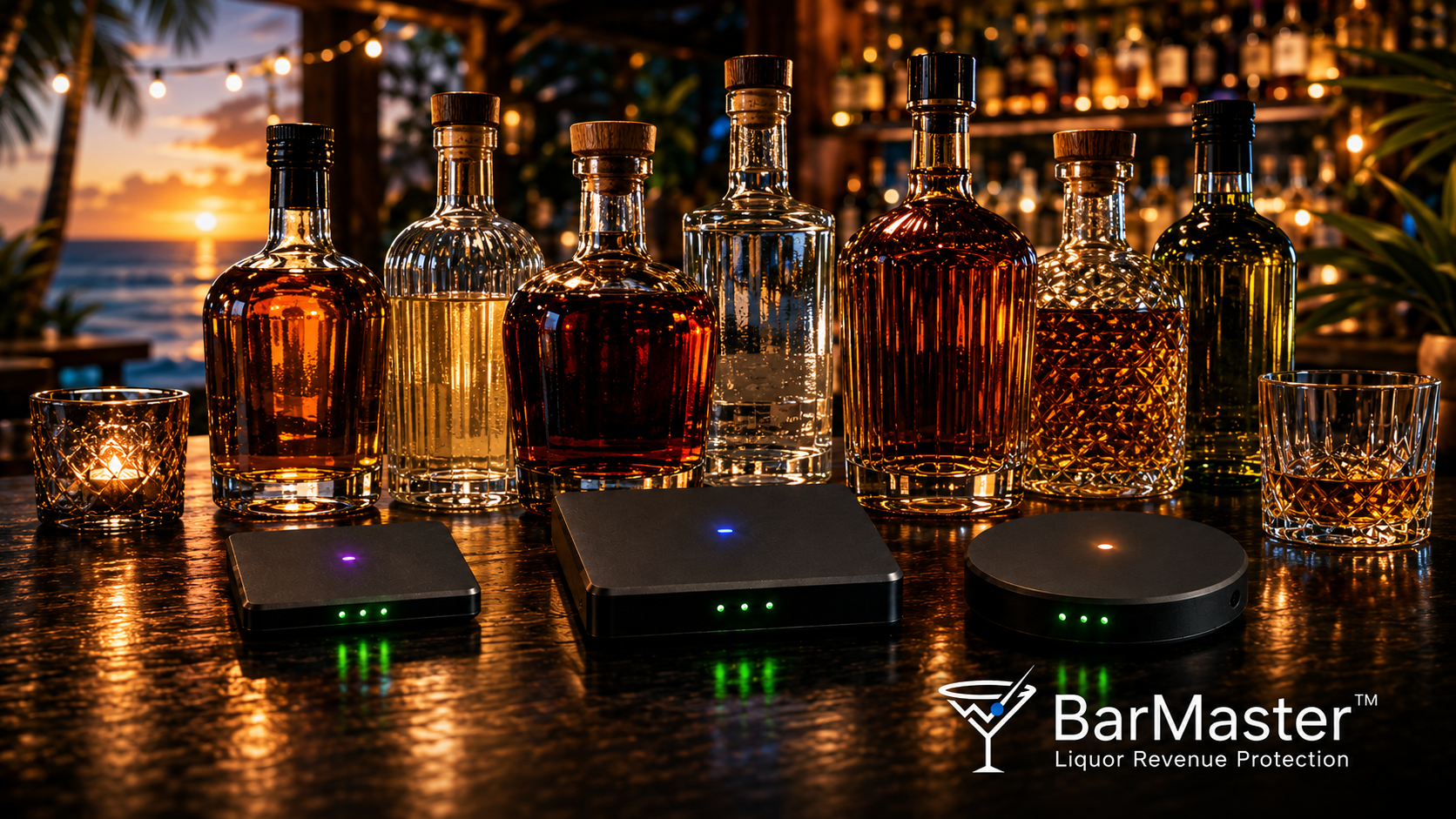
How The BarMaster™ Works
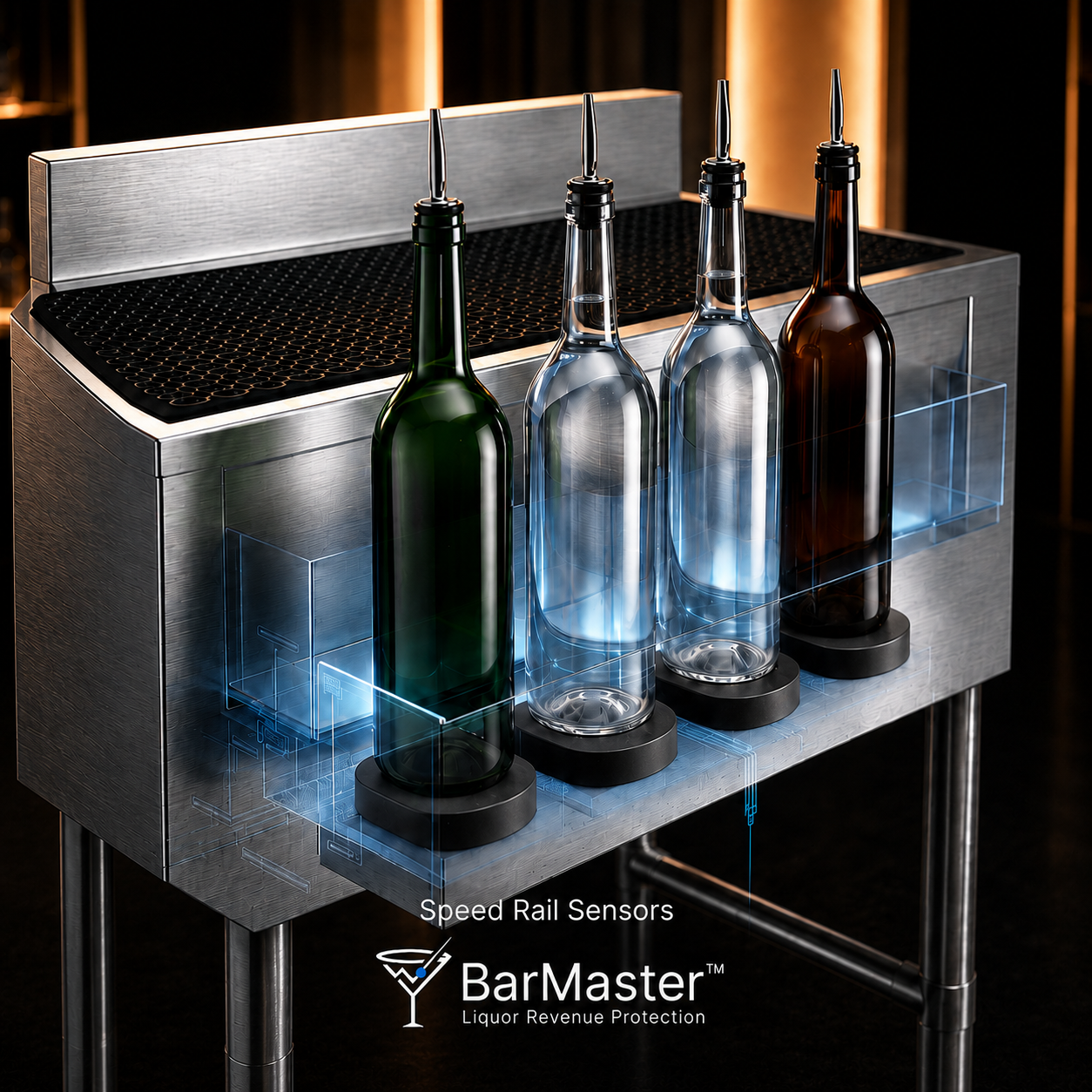
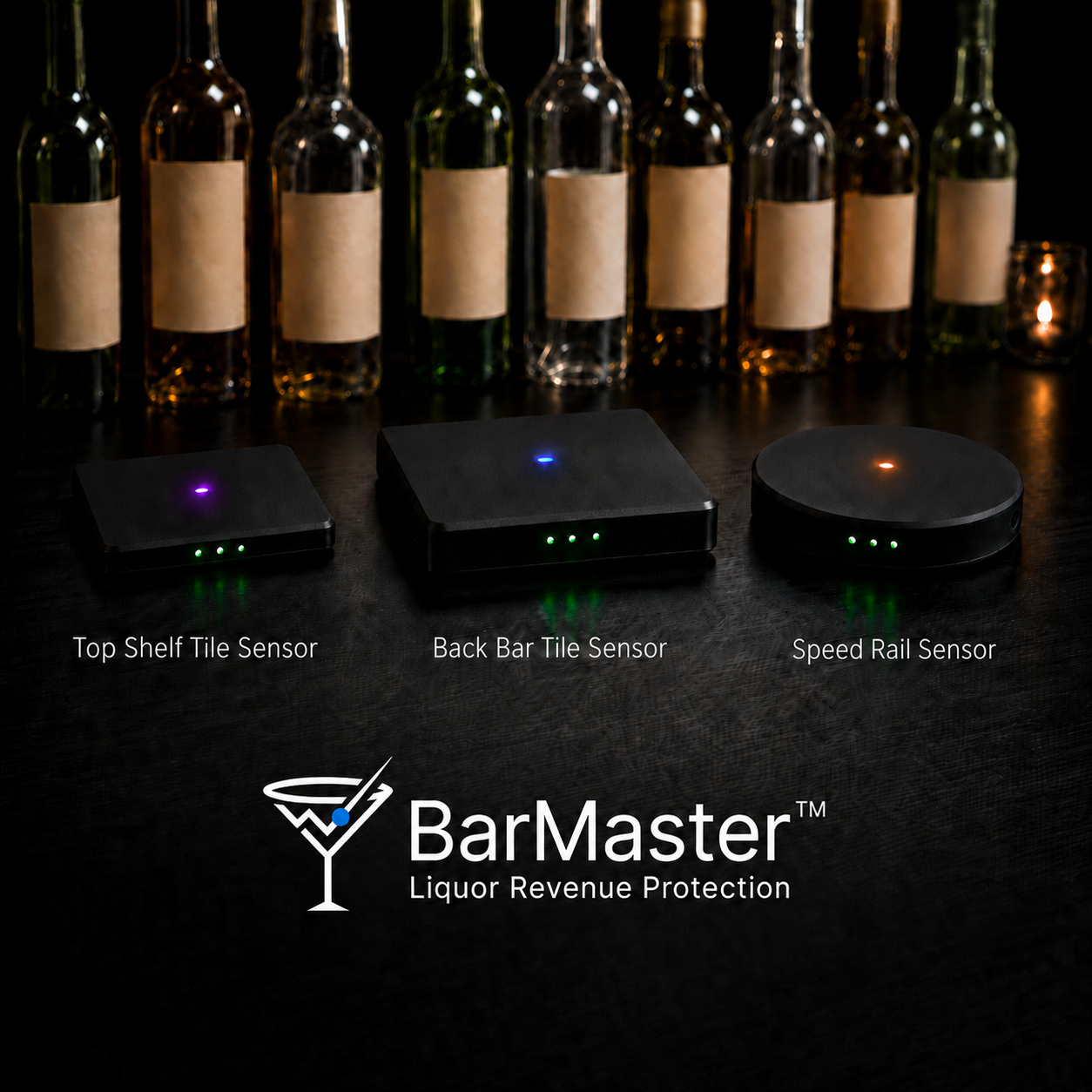
Smart wireless load-cell sensors sit beneath every monitored bottle in the stockroom, back bar, speed well, and top shelf. Each bottle carries a unique NFC/RFID tag tied to brand, size, ID, cost, and location.
Every time a bottle is moved, picked up, returned, or depleted, The BarMaster™ measures the weight change with verified accuracy within 1/20th of an ounce and converts it into liquid volume.
The system compares that activity against POS sales, recipes, purchase orders, and expected depletion. When something doesn't add up, management gets an alert with the bottle, time, station, POS status, estimated revenue impact, and a linked camera clip, all invisibly.
- Precision load-cell sensing
- Wireless NFC/RFID identity
- POS + recipe matching
- Event-linked video review
From bottle pickup to manager alert in seconds.
- Tag each bottleUnique NFC/RFID label tied to brand, size, ID, cost, and location.
- Monitor positionsWireless load-cell sensors under bottles in stockroom, back bar, speed wells, and top shelves.
- Measure pickup & returnWeight change converted to liquid volume, accurate within 1/20th of an ounce.
- Match against POS & recipesPours compared to sales, comps, voids, and expected drink builds.
- Detect exceptionsFlag uncharged pours, overpours, refills, substitutions, and unusual movement.
- Alert & reportTimestamped alerts with linked video and detailed dashboards.
- Programmable LED promotionsBack Bar Tile Sensors include color-addressable LEDs, run a Red Light Special from 6–9pm by lighting specific bottles (or the whole shelf) red. Turn the LEDs off and add decorative covers to keep the tiles fully invisible.
Track liquor through the full operating lifecycle.
The BarMaster™ follows bottle activity from the moment it arrives in your stockroom to the moment it ends up in a customer's glass, not just at end-of-day counts.
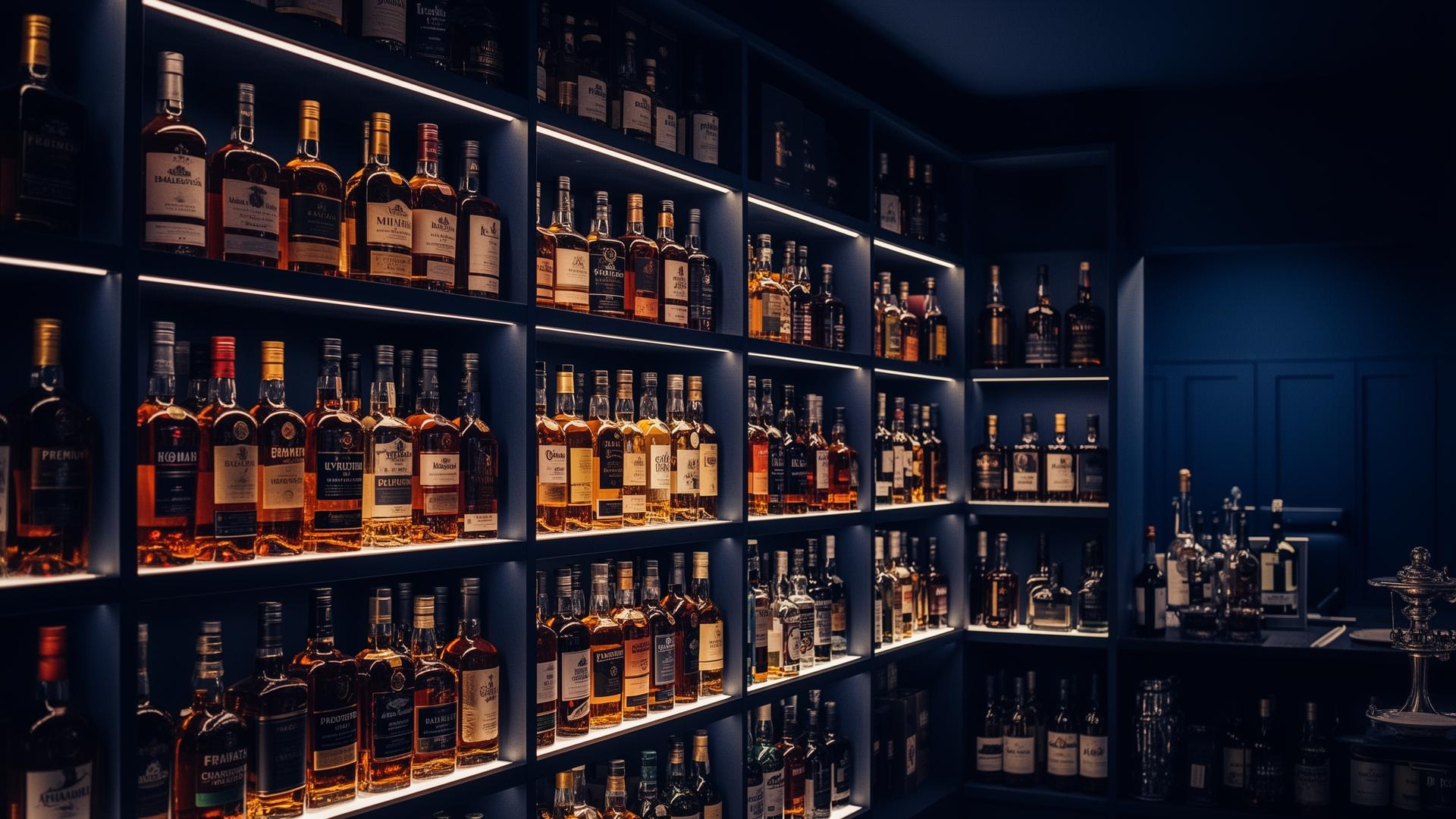
- Stockroom arrivalBottles are entered into inventory and tagged.
- Bottle profileBrand, size, ID, cost, par level, and location set.
- Movement to serviceBack bar, top shelf, speed wells, or other locations.
- Live monitoringPickup, return, and weight changes measured during service.
- POS matchingActivity matched to sales, comps, voids, and recipes.
- Customer glassWhat was poured, what was sold, what was unmatched.

Know what happened, when it happened, and why it matters.
- No matching POS saleLiquor removed but nothing was charged.
- Possible overpourMeasured loss exceeds expected pour volume.
- Bottle refill detectedBottle returns heavier than expected.
- Bottle substitutionIdentity or position doesn't match expected inventory.
- After-hours activityBottle movement outside normal operating hours.
- High-risk staff patternRepeated discrepancies tied to a station, shift, or POS user.
- Comp reviewCompare comped drinks against actual bottle movement.
- Inventory varianceBottle-level movement doesn't match expected depletion.
- Purchasing varianceOrder quantities don't match actual depletion.
- Pour threshold reviewConfigure expected pour thresholds and review exceptions.
From guesswork to evidence-backed review.
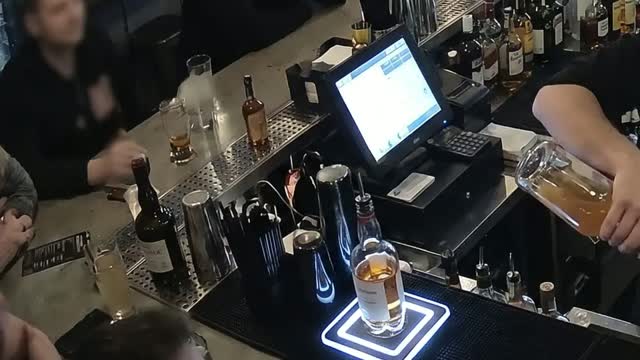
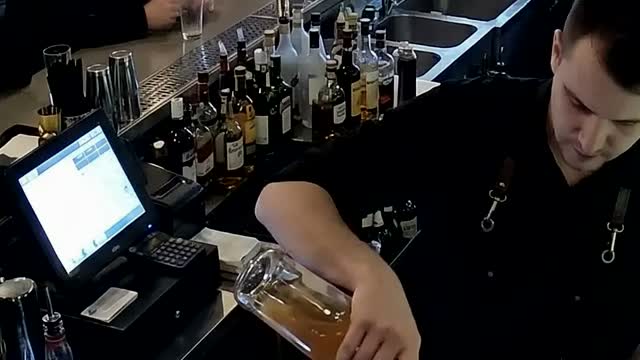
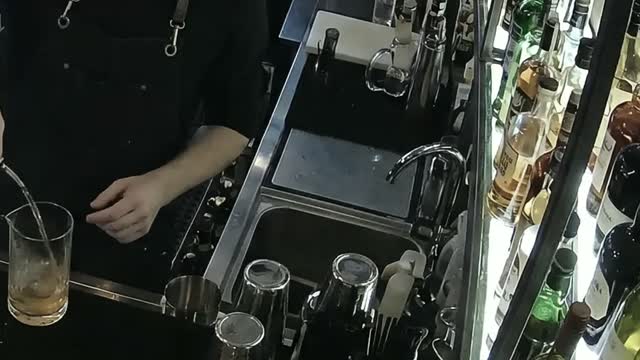
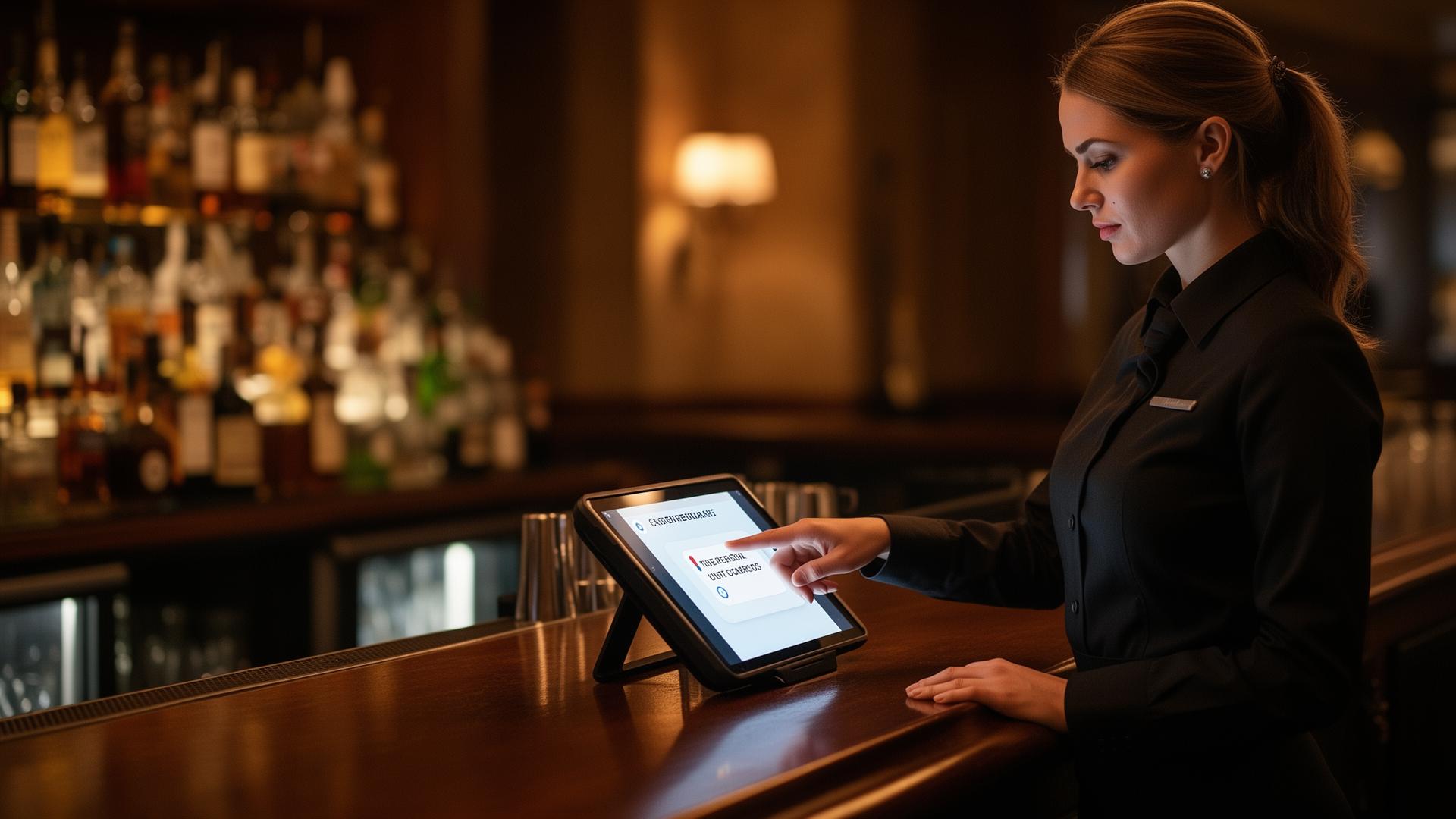
Optional staff explanations for flagged events.
For venues that want more accountability, The BarMaster™ can prompt staff for an explanation (spill, comp, overpour, training issue) attached to the incident record for management review.
The BarMaster™ does not block transactions or interrupt service. Staff workflows are optional, configurable, and subject to POS workflow compatibility.
- Reasons captured at the moment of the event
- Tied to bottle, station, shift, and POS user
- Reviewable by managers in the dashboard
- Useful for training, coaching, and policy review
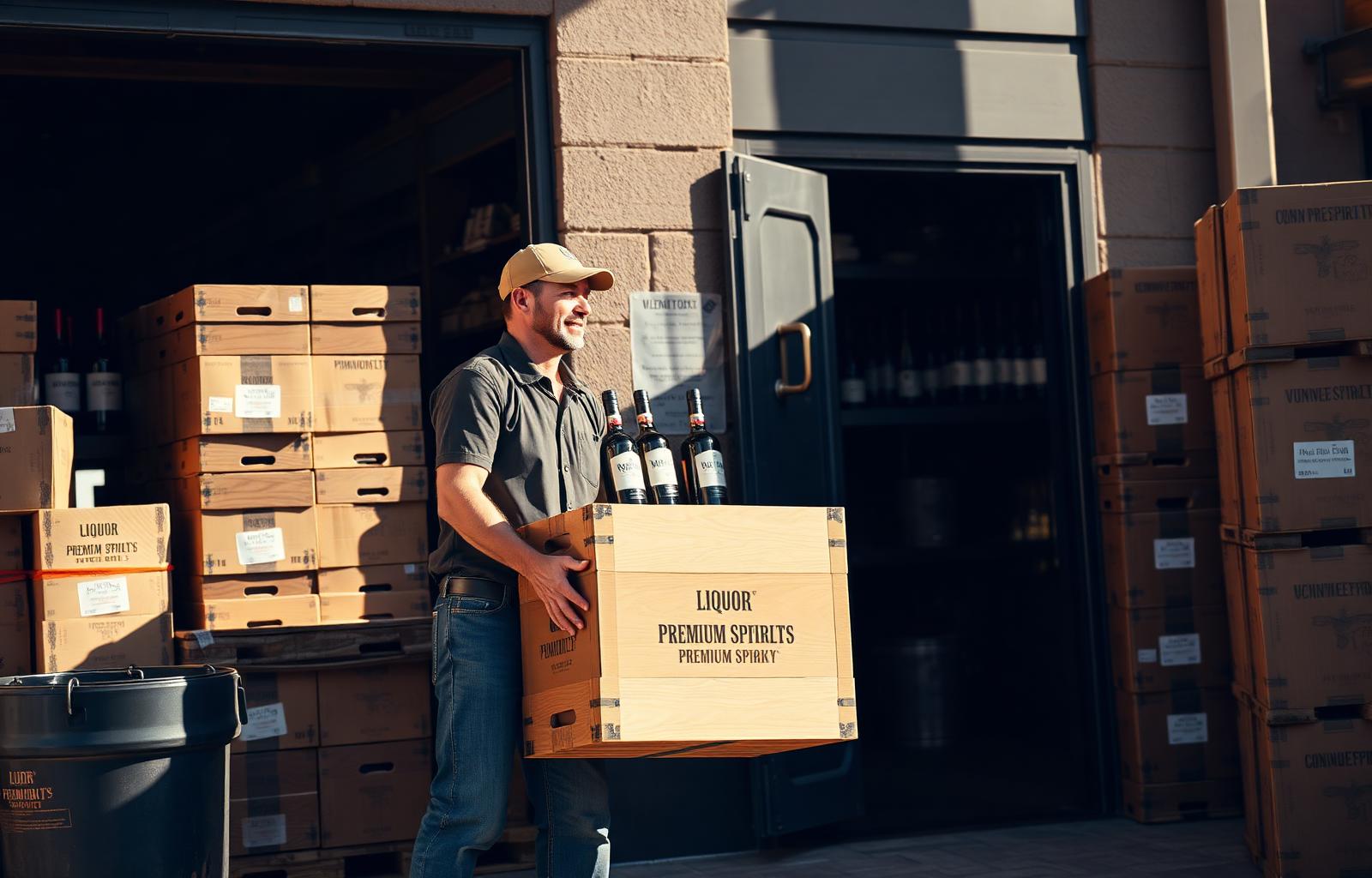
Smarter purchasing starts with real bottle-level data.
The BarMaster™ uses your actual depletion, sales velocity, and seasonality to tell you what to order, when to order it, and how much.
Purchase orders
- Generate POs from real inventory and forecasted demand
- Send orders to selected distributors
- Reorder recommendations based on par levels and depletion
- Right-size order quantities to reduce overbuying and stockouts
- Optional automated or assisted ordering workflows
Forecasting
- Historical sales & depletion trends
- Seasonal variation and weekly mix
- Promotions, menu changes, and special events
- Busy seasons, holidays, and major events
- Recommended orders ready to convert into POs
Reporting that ties liquor, labor, purchasing, and accountability together.
Understand what was purchased, what was poured, what was sold, what was wasted, and what needs attention.
- Purchase order reportsPOs, distributor activity, received inventory, and reorder recommendations.
- Incident reportsFlagged events by bottle, station, shift, staff, POS status, and video clip.
- Sales reportsConnect sales to bottle-level depletion and product performance.
- Employee performanceIdentify staff-level patterns in overpours, comps, and unmatched events.
- Liquor inventory costInventory value, product cost, depletion, and cost trends.
- Pour ratio reportsCompare expected pour volumes against actual measured depletion.
- Pour threshold settingsConfigure expected pour thresholds by product, drink, station, or policy.
- Access & restrictionsControl who can view reports, manage inventory, approve POs, and adjust settings.
- Customizable reportsBuild by location, station, product, staff, shift, incident, or revenue impact.
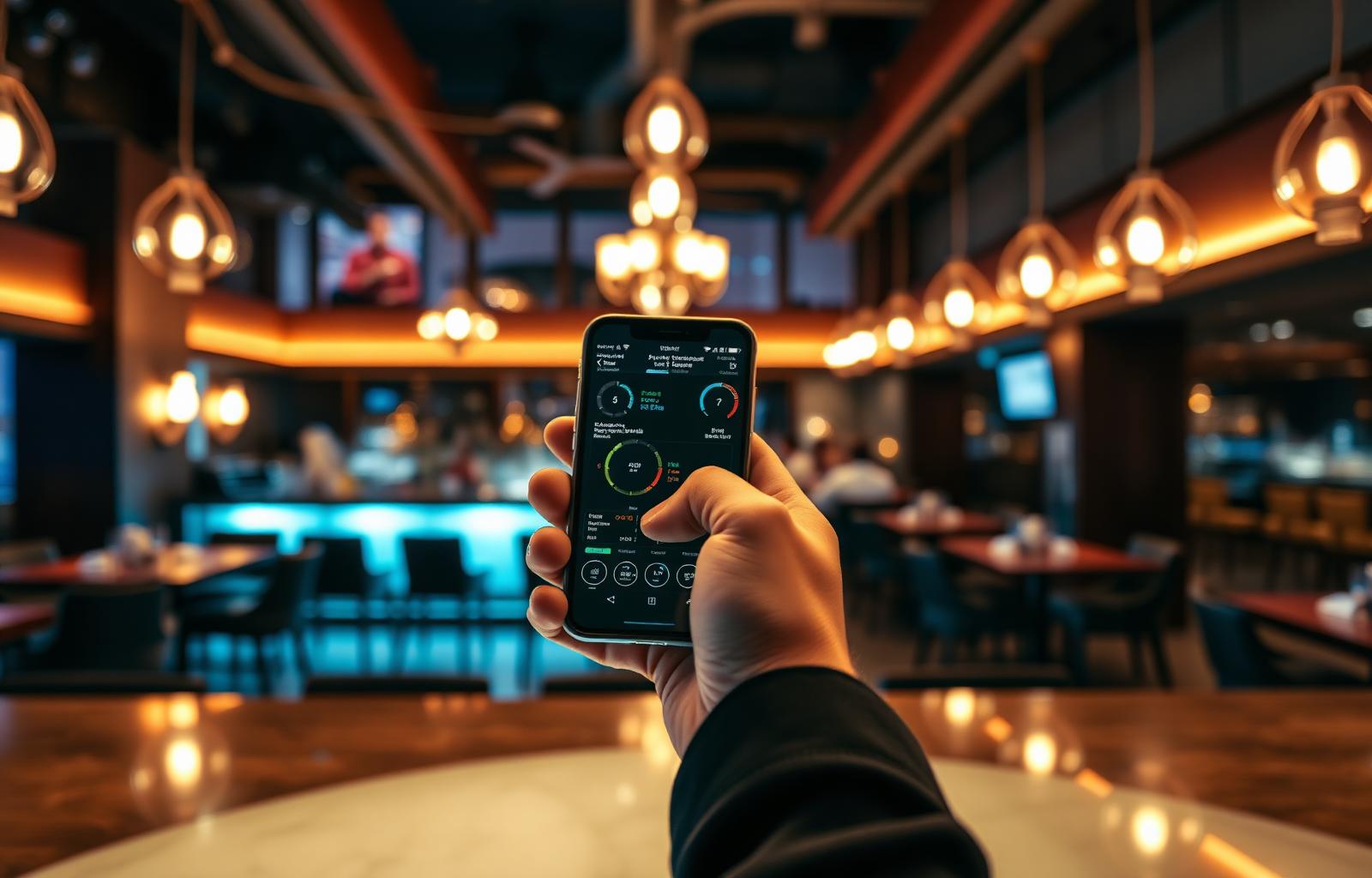
Manage liquor visibility from any device.
The BarMaster™ runs on cellphone, tablet, and desktop (Apple and Android) so operators stay in control on-site, at home, or across multiple locations.
- Review alerts in real time
- View camera-backed incidents
- Check inventory status
- Approve or review purchase orders
- View staff explanations
- Access reports on the go
- Compare locations side by side
- Receive real-time updates
How much liquor revenue is leaking from your bar?
Most bars only discover shrinkage after inventory is counted. The BarMaster™ helps identify losses as they happen.
Your Venue
Estimates are for planning purposes only. Actual recovery depends on venue volume, staff behavior, POS setup, installation scope, camera setup, purchasing behavior, and operating procedures.
Built for live-service revenue protection, not just inventory counting.
| The BarMaster™ | Manual inventory | Smart scale inventory | Pour spout systems | Camera-only systems | |
|---|---|---|---|---|---|
| Invisibility & guest experience | |||||
| Invisible to guests | |||||
| Invisible to bartenders & staff | |||||
| No visible smart spouts on bottles | |||||
| No controlled-dispensing hardware | |||||
| Preserves normal bartender workflow | |||||
| No change to how drinks are made | |||||
| Detection & accountability | |||||
| Tracks during live service | |||||
| Tracks from stockroom to glass | Partial | ||||
| Matches bottle movement to POS | Partial | ||||
| Matches against drink recipes | Partial | ||||
| Detects uncharged pours | Partial | ||||
| Detects overpours | |||||
| Detects bottle refills | Partial | ||||
| Detects bottle substitutions | |||||
| Provides video-backed review | |||||
| Real-time alerts | Partial | ||||
| Operations & intelligence | |||||
| Supports purchase orders | Partial | ||||
| Supports forecasting | Partial | ||||
| Mobile access | Partial | Partial | |||
| Multi-location analytics | Partial | Partial | |||
Other tools only tell you what's missing. The BarMaster™ tells you where it went.
Manual counts and smart scales tell you the bottle is lighter at the end of the night. The BarMaster™ tells you where the liquor went, what it was worth, whether it was actually sold, and what to do about it all invisibly, in real time.
Questions from operators, finance teams, and beverage directors.
Is The BarMaster™ an inventory system or a revenue protection system?+
The BarMaster™ includes inventory intelligence, purchase order tools, forecasting, and reporting, but its primary purpose is real-time revenue protection. It monitors bottle movement during service and matches that activity against POS data and recipes.
Does The BarMaster™ track bottles from the stockroom to the bar?+
Yes. The BarMaster™ supports stockroom-to-glass tracking when bottles are tagged and monitored across configured locations. Coverage depends on installation scope and operating procedures.
How accurate is The BarMaster™?+
The BarMaster™ measures bottle weight changes with verified accuracy within 1/20th of an ounce.
Does The BarMaster™ require bartenders to change how they pour?+
No. The system preserves normal bartender workflow. Bottles stay in the speed well, back bar, top shelf, or other configured locations, and sensors monitor activity automatically.
Can guests or staff see the system?+
No. The BarMaster™ is invisible by design, no visible smart spouts, no controlled dispensing, no extra steps for bartenders. Sensors sit beneath the bottles.
Does it integrate with POS systems and recipes?+
Yes. Bottle activity is matched against POS sales, comps, voids, and expected drink recipes. Specific integrations depend on your POS.
Can The BarMaster™ create purchase orders?+
Yes. The BarMaster™ supports PO creation, reorder recommendations, and distributor ordering workflows based on real depletion and forecast data.
Can it forecast future inventory needs?+
Yes. The BarMaster™ forecasts demand using sales data, depletion patterns, seasonality, busy periods, holidays, and major events.
Can it detect theft?+
The BarMaster™ flags suspicious events such as liquor removed without matching POS activity, refills, substitutions, after-hours movement, and repeat discrepancy patterns. Management reviews the evidence before taking action.
Does it record video?+
The BarMaster™ links event timestamps with the relevant camera footage so managers can review incidents quickly.
Can staff explain incidents?+
Yes. Configurable workflows can prompt staff to explain flagged events (spill, comp, overpour, training issue) without interrupting service.
Can I access The BarMaster™ from my phone?+
Yes. The BarMaster™ works on cellphone, tablet, and desktop, Apple and Android.
What types of venues is this for?+
Bars, restaurants, nightclubs, hotels, casinos, stadiums, and multi-location hospitality groups.
How do we get started?+
Start with a pilot installation on a high-volume stockroom, speed well, back bar, or top shelf area, then expand after reviewing the data.
See where your liquor revenue is going.
Order The BarMaster™ or connect with the team.